Scale accurate data querying
for agents, fast
See how well your agents query your data, then improve it with tools and infra out of the box.

Everything your data team needs out of the box
- MCP server
- Manage context
- Versions
- Evals
- Feedback loop
- Data visualisation
- Agent observability
- Roles & access
Accurate data for every agent is hard to scale.
Your team built an internal data MCP, wrote context in docs, and shared it internally with great feedback. Rolling it out means evals, context loops, access, tenancy and tools that hold up under real questions.
Everything in three steps.
- 01
Connect your data.
Point Bonnard at your data, or upload a dbt or OSI file. It reads the tables, keys and joins you already have.
- 02
Publish your context.
Define metrics, rules, evals and metadata from the agent that already knows your business. Draft it through the MCP, review it, then publish it.
- 03
Bonnard does the rest.
The context loop, the MCP and everything around it, so your people and your customers can just get started.
Works with Postgres, BigQuery, Redshift, ClickHouse, SQL Server, MySQL, MotherDuck and PostHog.
Try it on demo dataLet us take care of the infrastructure; you handle the context.
Context management, versions, evals, the context loop, usage records, agent tools, charts and dashboards, sign-in, roles and customer separation, in one MCP.
Context when the agent needs it.
Contextexplore_schemahands the agent the right tables and definitions as it asks. Then it queries, charts and builds dashboards.Which products brought in the most revenue in August?
Explore schema- Metric
revenuePaid orders only. - Table
ordersOne row per order. - Table
order_itemsOne row per product line in an order. - Table
productsOne row per product in the catalogue.
One MCP on the data models you have.
Connect a database and Bonnard serves its context to every agent your people use. No new data model.
MCP and toolsLogsActivityjust nowAlex MorganAdminClaudepublish_draftok2m agoAlex MorganAdminClaudeedit_draftok4m agoSam PatelFinanceChatGPTsql_queryok6m agoJordan LeeMarketingClauderender_chartok9m agoSam PatelFinanceCursorrender_dashboardokEvals before you publish.Coming soon
Test a context change against the live version, question by question, and see what got better.
Evals- Which products brought in the most revenue in August?Better
- What is our average order value?Better
- What share of orders were refunded?No clear difference
- Which products brought in the most revenue in August?
A loop that keeps it right.
Bonnard reads how agents used your data, finds what’s wrong and asks your data team. Their answers go into the context.
Bonnard activityLast 30 days- Inconsistent definitionsQuestion
net revenue3 definitions, 8 people - Searches that found nothingData gap
"gift cards"6 people - Struggling work4 sessions, 9 calls eachContext gap
- ErrorsContext gap
undefined_column14 calls - Stale or misleading dataContext gap
orders_oldstopped in May
- Who can use this dataAdmins always can · 2 people
FinanceNo tenancyEveryone on the teamAll 3 people in Acme, and anyone who joinsAll customersEvery customer, including ones added laterAcme productionRow-level securityNorthwind Retail3 usersnorthwindGlobex1 userglobex
All your BI needs through three tools
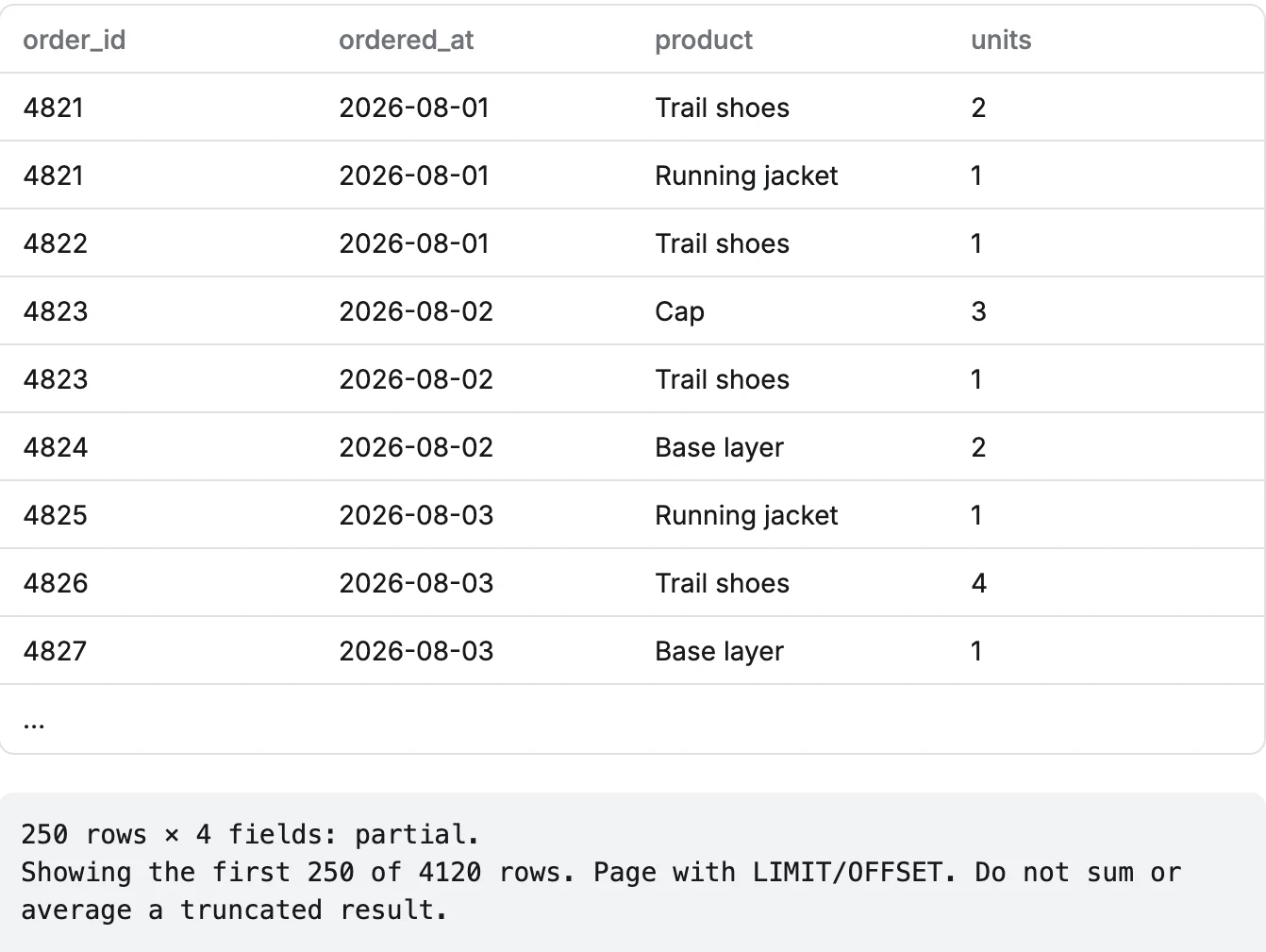
sql_query
Runs one read-only SQL SELECT and returns the rows.
Show me every order line from August.
render_chart
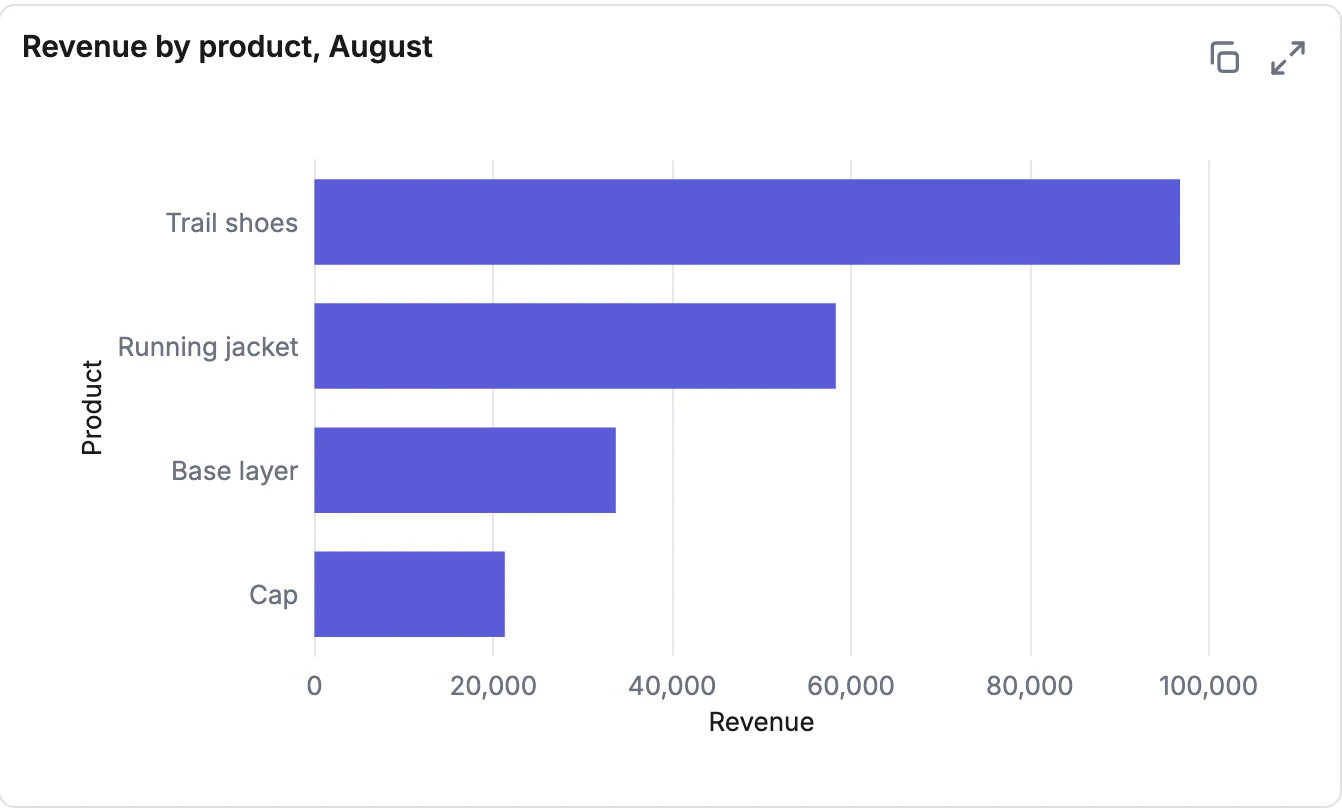
Draws a chart, or a carousel of up to ten, right in the chat.
Which products brought in the most revenue in August?
render_dashboard
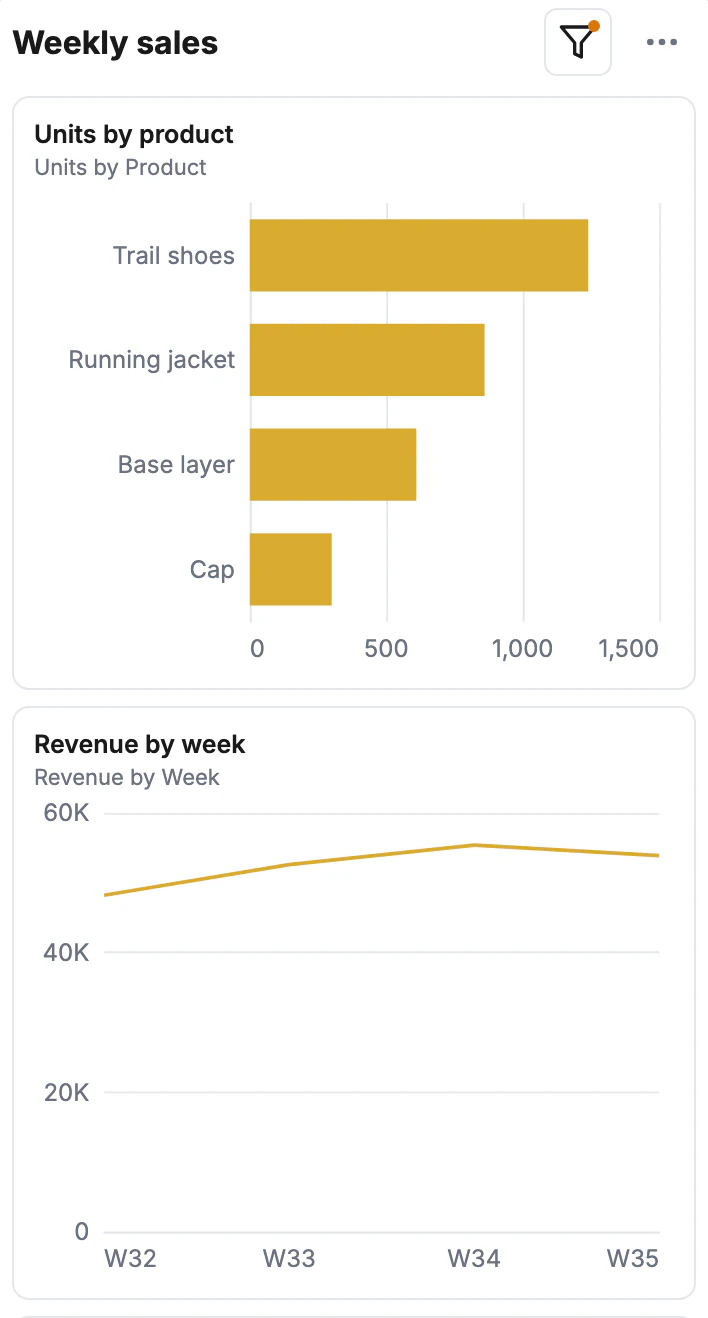
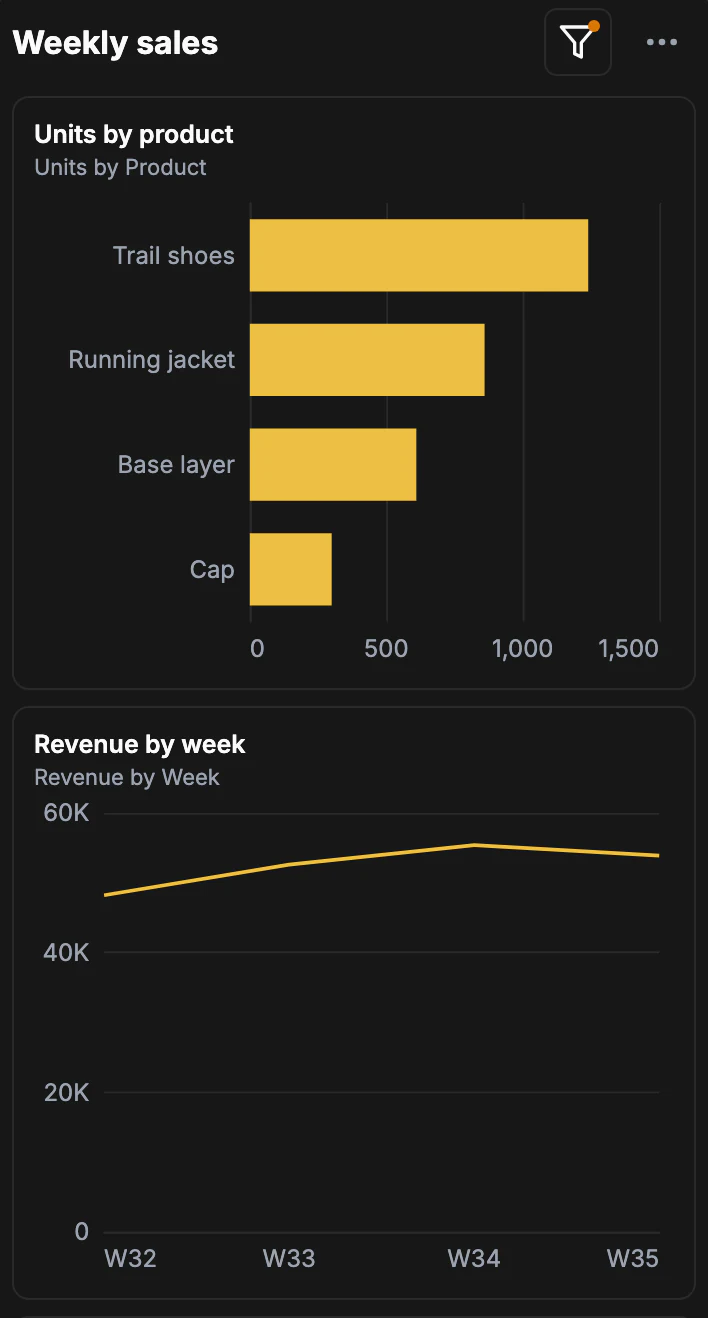
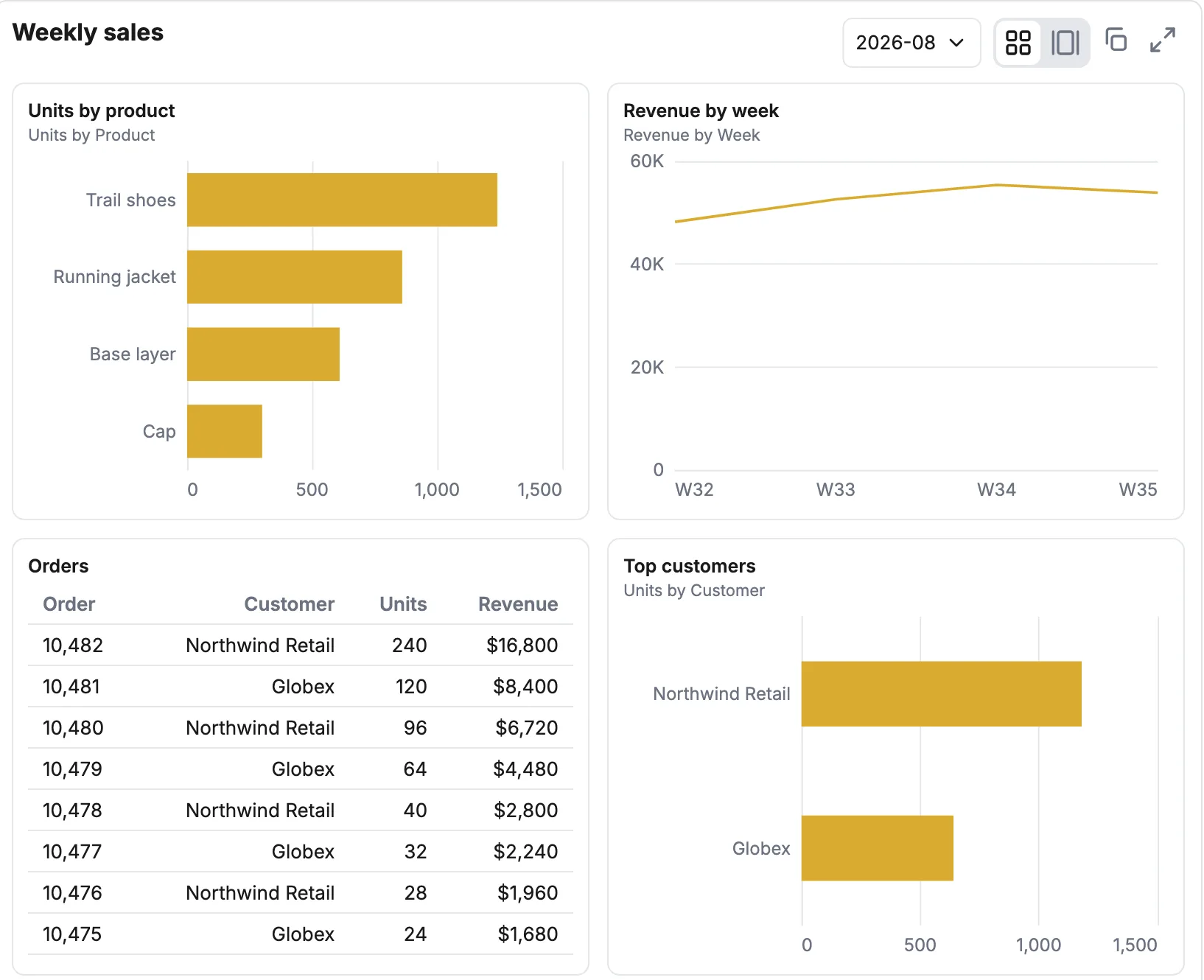
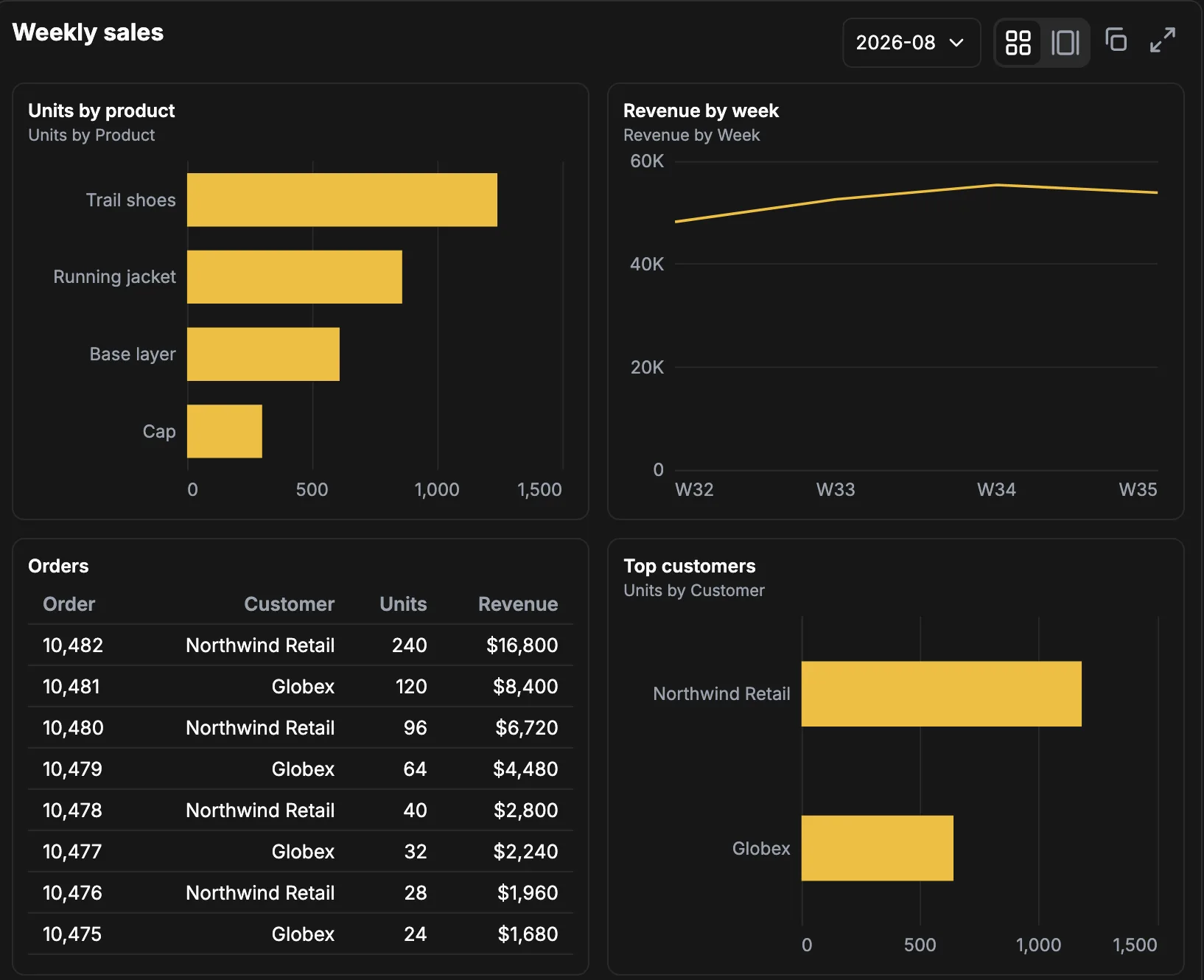
Shows a dashboard in the chat as an interactive grid of tiles.
Show me the weekly sales dashboard for August.
More tools
save_chartSaves a chart, or edits one already saved.save_dashboardSaves a dashboard, or edits one already saved.create_export_fileCreates a CSV or PNG without rerunning the query.explore_chartsLists the charts a person saved.explore_dashboardsLists the available dashboards.explore_docsHow-to docs for charts, dashboard params and KPIs.
More chart types
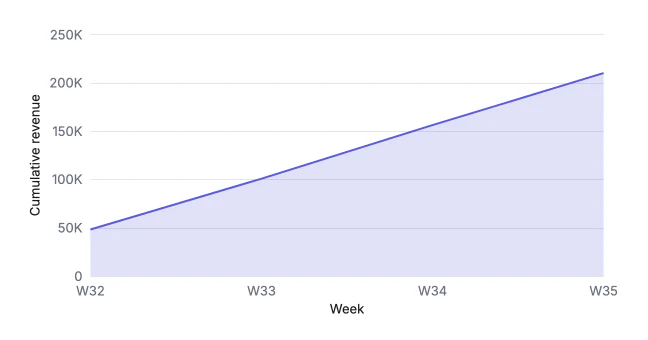
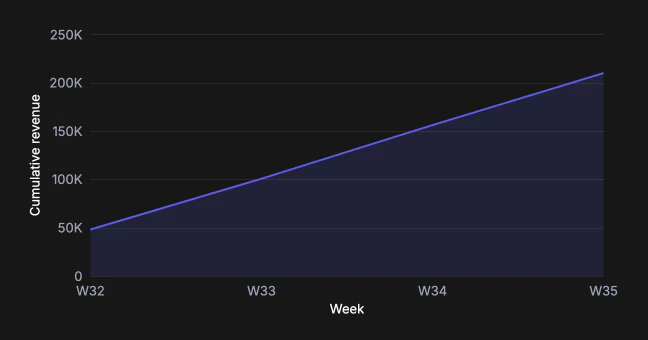
- Area
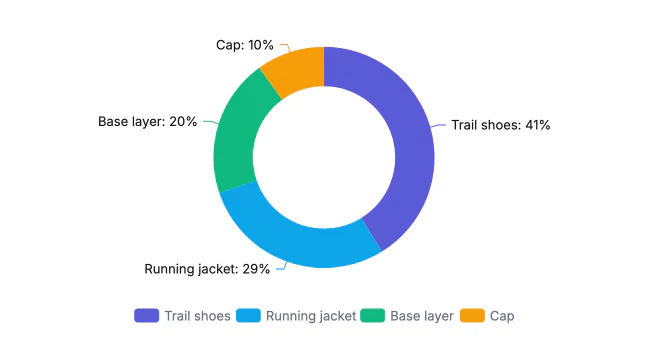
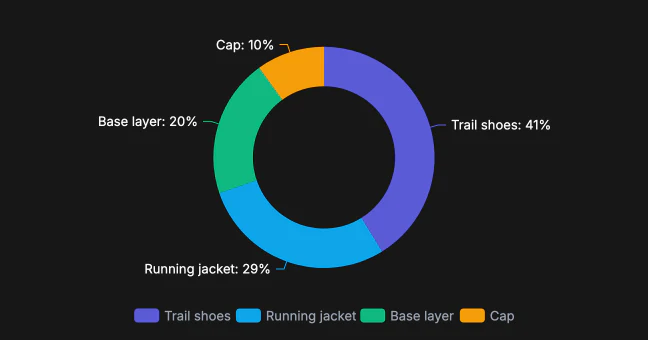
- Pie
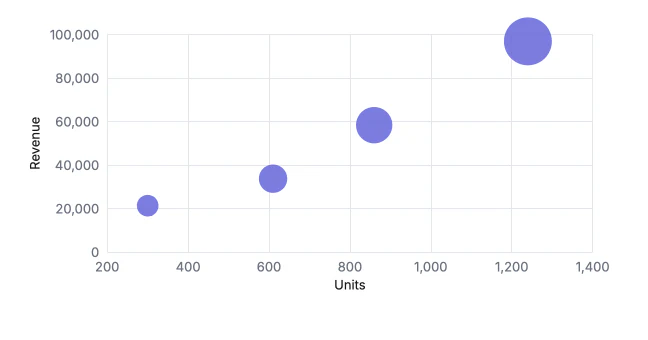
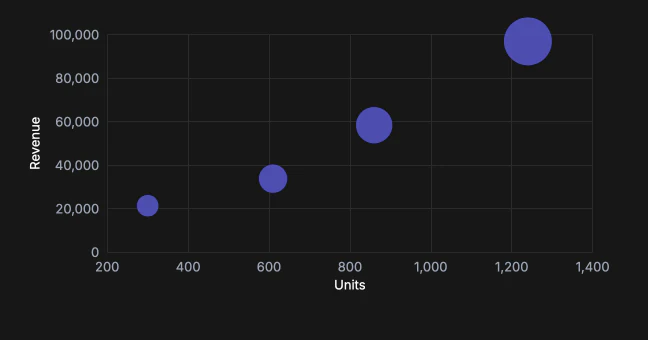
- Scatter
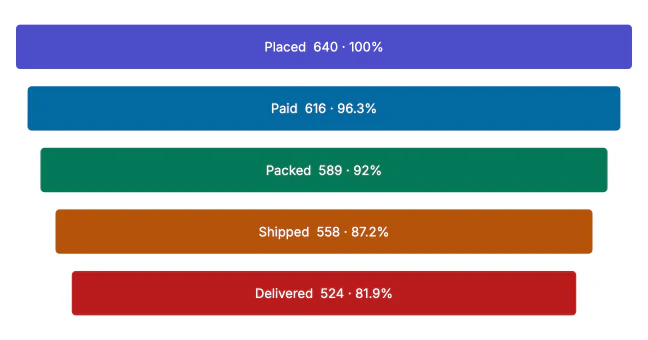
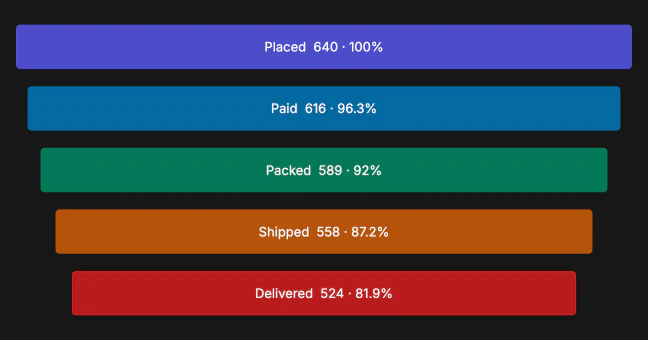
- Funnel
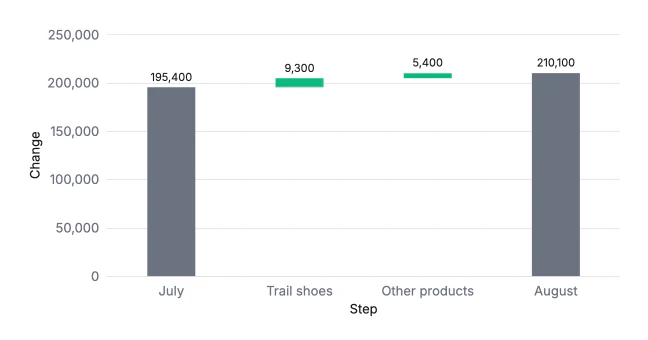
- Waterfall
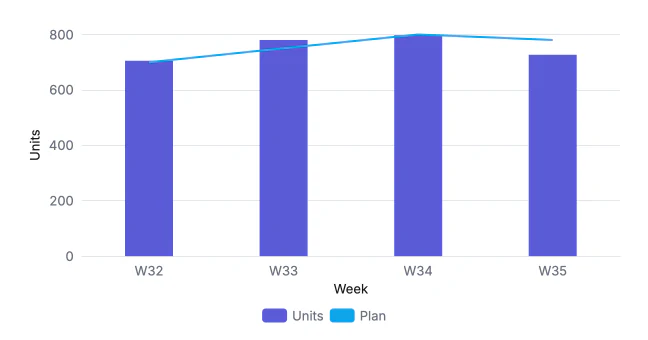
- Bar and line
Secure by default, ready for your customers
Read-only from the first query.
Acme productionedit_draftIn the draft, nobody is served itpublish_draftPublished version 3Sign-in
OAuth 2.1, PKCE mandatory.
Tokens are audience-bound per server.
Bring your own IdP.
OAuth, API keys or trusted JWTs. SSO supported.
Data
AES-256-GCM at rest.
Credentials encrypted. API keys stored only as hashes.
Read-only.
SELECT statements only. On SQL Server, the login’s grants enforce it. Connects over SSL from fixed IPs.
Tenancy
Set per database.
Row-level security, or a database or dataset per tenant.
Tenant from the sign-in.
An IdP sign-in maps to the right tenant. Scale and Enterprise plans.
No per-user fees, everyone’s included.
You pay per call, however many people make them.
Free
$0
3,000 calls a month
Team
$150
20,000 calls a month
Scale
$600
100,000 calls a month
Enterprise
Custom
Custom volume
Start scaling
accurate data today
Free for your first 3,000 calls. No seat limits.